Latest version: Scriptify v1.2.1-beta
Real-time audio transcription
AI-powered writing tool that allows you to narrate stories, ideas, or quickly jot down ideas.
What's new
New in Scriptify v1.2.1
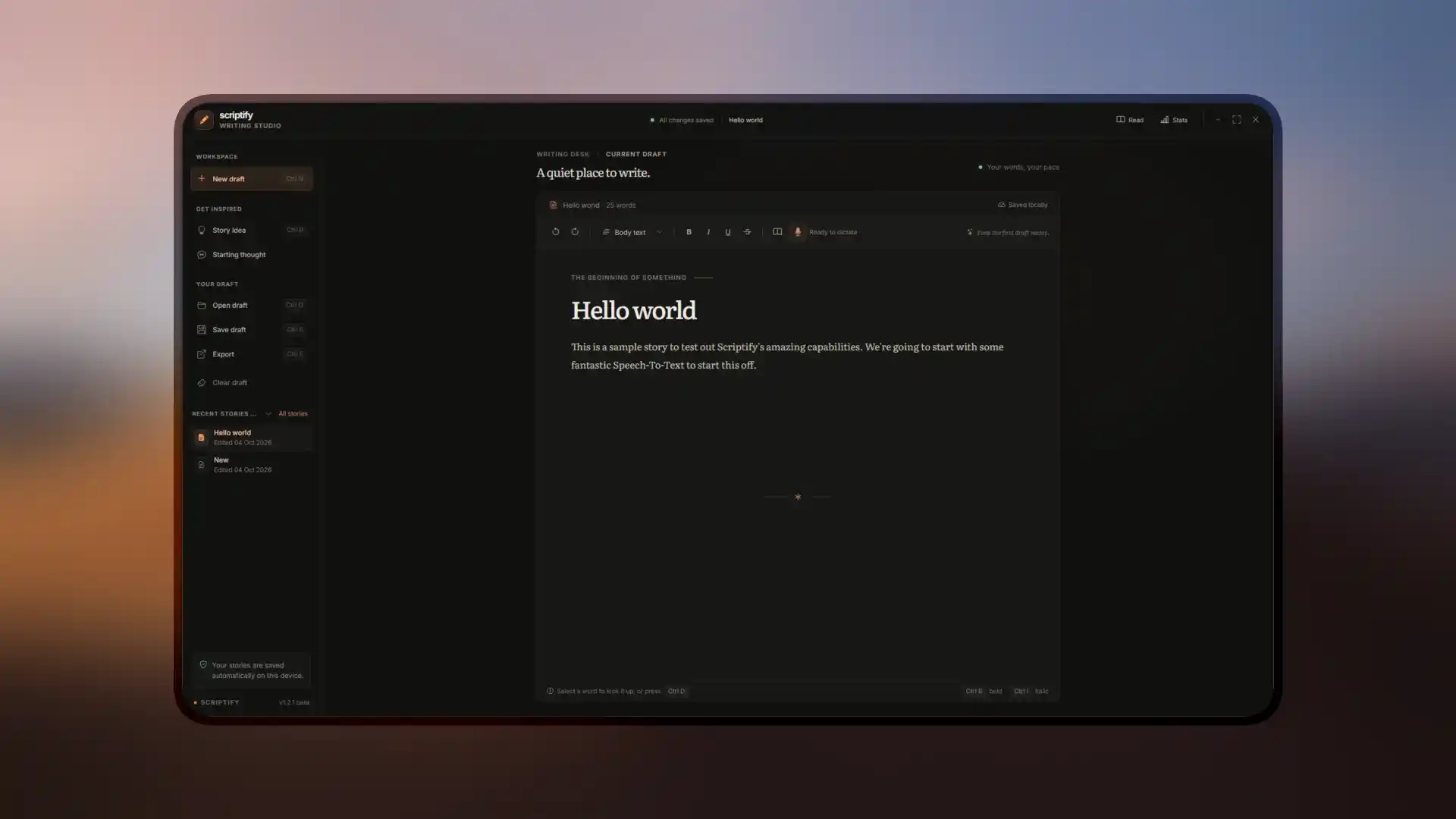
The biggest Scriptify update yet: a refreshed writing studio with an autosaved story library, a brand-new ONNX Runtime transcription engine, and downloads that are a fraction of their former size.
- Autosaved story library & refreshed writing studio. Your drafts now save themselves into a library you can reopen, export and clear at any time.
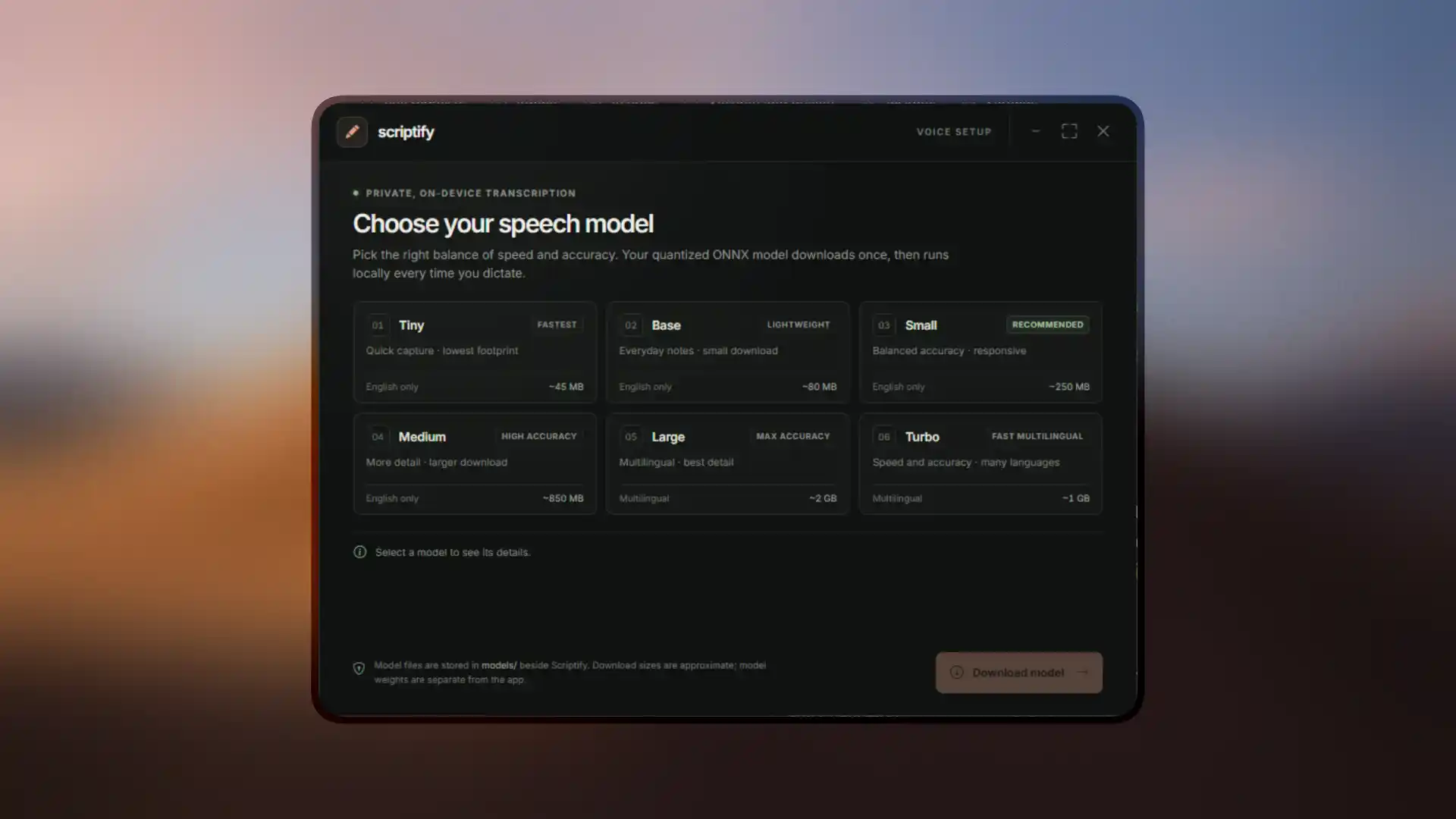
- Whisper runtime replaced with ONNX Runtime. Quantized ONNX models download once, then run locally every time you dictate — no bundled multi-gigabyte runtime.
- Autosave persistence & recovery fixed. Stories survive restarts and can be recovered if something goes wrong mid-session.
- Refreshed UI polish. Offline assets, page padding, story rows and the startup window have all been tidied up.
Dramatically smaller downloads
Moving to ONNX Runtime shrank every installer from gigabytes to roughly 55 MB — Linux no longer needs to be split across multiple archives at all.
| Platform | v1.0.0-beta | v1.2.1-beta |
|---|---|---|
| Linux | ~3 GB (split archives) | ~55 MB (single binary) |
| macOS | 300–400 MB | ~55 MB |
| Windows | 300–400 MB | ~55 MB |
Speech models are downloaded separately on first run and stored in a models/ folder beside Scriptify, from ~45 MB (Tiny) up to ~2 GB (Large).
System requirements
Minimum requirements
The minimum requirements required to run Scriptify on your target platform and architecture.
| Resource | Minimum | Recommended |
|---|---|---|
| Storage | 1 GB of available disk space | 2 GB of available disk space |
| RAM | 2 GB of available RAM | 6 GB of available RAM |
| Processor | Dual-core 1.5 GHz | Quad-core 2.4 GHz or higher |
| GPU | Integrated graphics with OpenGL 2.0 support | Dedicated GPU with at least 1 GB VRAM |
Screenshots
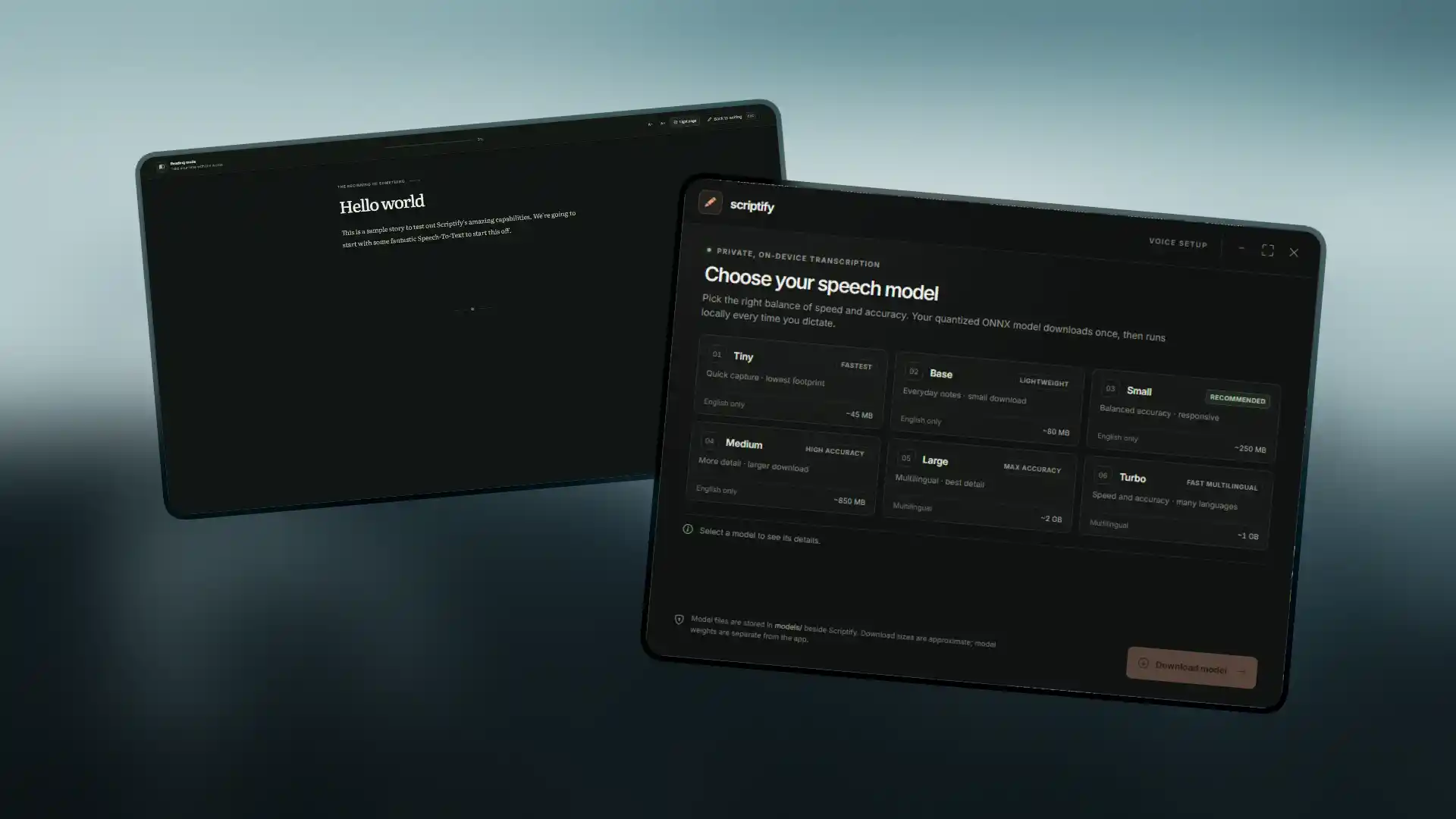
Screenshots for Scriptify
A sneak peek into the Scriptify interface and its features.
OS requirements
Operating system specifics
Requirements for running Scriptify on supported Operating Systems. Scriptify might not work well on older systems than the minimum required, it is not recommended.
| Platform | Minimum | Recommended |
|---|---|---|
| macOS | macOS 10.13 (High Sierra) | macOS 11.0 (Big Sur) or later |
| Linux | Ubuntu 18.04 LTS or equivalent | Ubuntu 20.04 LTS or equivalent |
| Windows | Windows 10 (64-bit) | Windows 11 (64-bit) |
Download Scriptify
You can download Scriptify for the platforms listed below. Every v1.2.1-beta build is only around 55 MB — speech models are fetched separately on first run.
